Short Quote Tattoo Lettering: Choose Words Before Flourishes
Compare short quote tattoo lettering with exact wording, readable fonts and clear layout notes. Prepare a focused reference without promising a finished result.
Quick answer
Confirm the quote and punctuation first, then compare the exact phrase in a few fonts. If a different line arrangement matters, describe it to your artist instead of assuming a one-line preview decides the layout.
A short quote gives you two design decisions: which words to keep, and how those words should look. Settle the wording first. Decorative lettering should support the phrase rather than hide an uncertain quotation or make an accidental abbreviation look intentional.
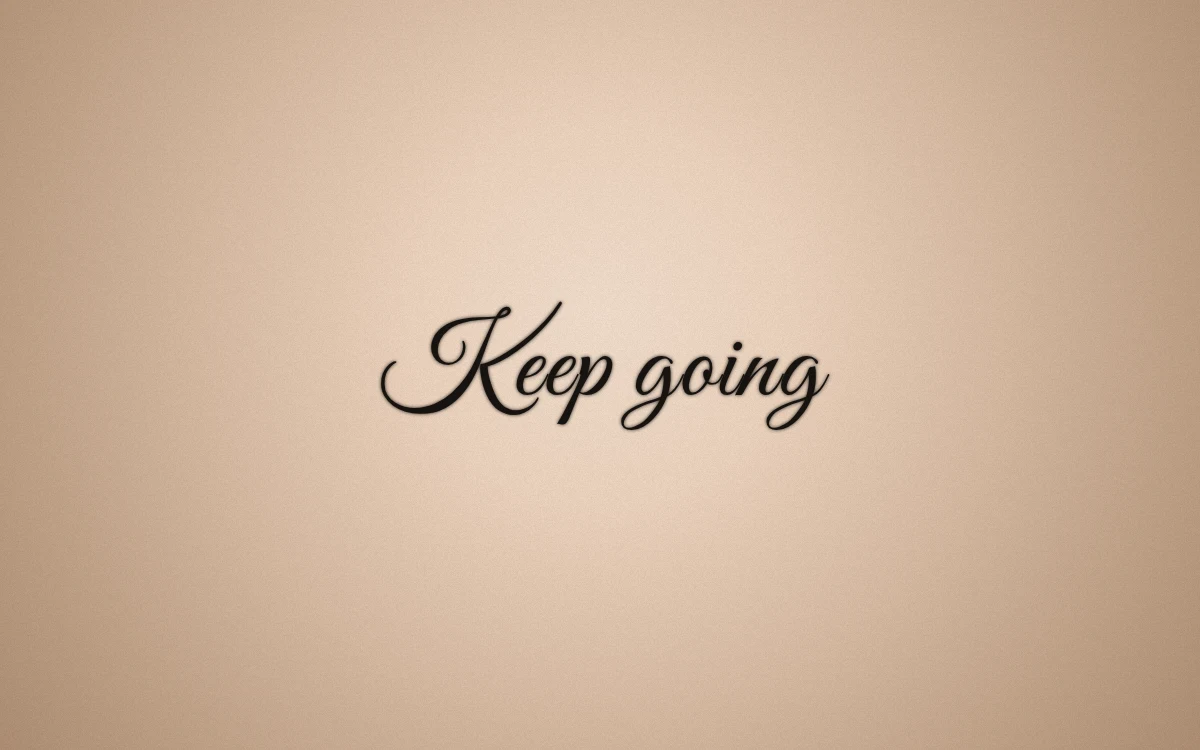
An actual digital lettering example using a short, neutral phrase. No attribution or customer story is implied.
Decide what the phrase needs to say
Write the complete wording in plain text before opening a font menu. If the phrase comes from a longer quotation, check the original source and decide whether the shortened version preserves the meaning you intend. Do not add an attribution simply because you saw it attached to an image online.
Punctuation, capitalization and an apostrophe can be meaningful choices. Keep a checking copy that includes those details. If you remove a word to simplify the design, review the revised phrase as a new wording decision rather than just a smaller graphic.
Compare exact words in different directions
Try one script option and one more structured option. Keep the phrase identical so the style is the only variable. Read each preview without concentrating on the individual letters, then ask someone else what they see.
A long flourish can draw attention to the first word and make the remaining words feel secondary. That may suit your idea, or it may distract from the sentence. Note the difference in plain language before saving the reference.
The lettering font guide offers a way to compare a short shortlist without accumulating dozens of almost identical versions.
Separate font choice from line arrangement
A one-line preview helps you compare letter shapes and spacing. It does not settle every possible multi-line composition. If you imagine one word above another, describe that arrangement in your consultation notes and ask your artist to explore it.
Do not insert arbitrary spaces just to imitate the outline of an unrelated design. They can create unclear word breaks while failing to communicate the layout you mean. Bring a written explanation of the hierarchy instead: which word matters most, and whether the phrase should read in one continuous line.
Test the phrase in the real tool
Open the lettering studio and choose Quote, or type directly into the main text field. Use your exact phrase, compare a few available fonts and inspect any missing-character warning before export.
If an accent or punctuation mark is missing, resolve the character problem rather than saving a version that silently omits it. A readable preview is one check of the graphic; it is not a verification of a translation or quotation source.
Export a focused reference
Save the preferred version and one meaningful alternative. Make a reference card if you want to add placement preferences and a short note about the wording. Keep the verified phrase in plain text with your files.
Ask your artist about the final composition, lettering, size and placement. Avoid treating a preview's pixel size as a physical specification or assuming that a decorative font is a finished professional stencil. The point of the reference is to make your priorities understandable before the final artwork is prepared.
Make your own
Explore a tattoo concept with the AI generator (free usage is limited), preview lettering with the free font tool, or try a placement preview. AI design references are not professional tattoo-ready stencils.