Tattoo try-on simulator
Upload a photo, pick a tattoo design, and see how it looks on your skin. Everything runs in your browser — the photo never leaves your device.
Add a photo of the area you are thinking about, then pick a design. Everything happens in your browser — the photo never leaves your device.
Add your photo first.
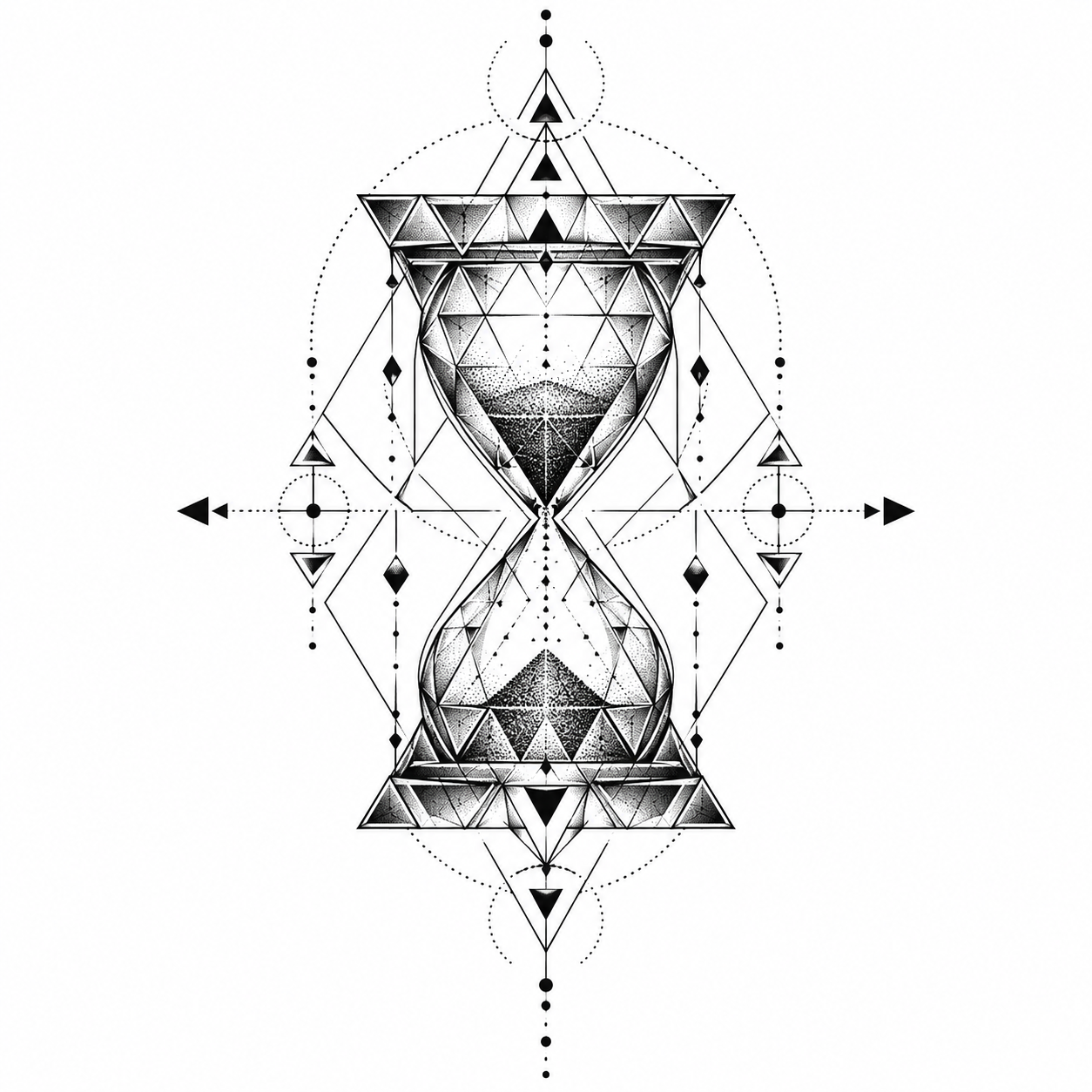
Using: Design from the gallery
Photos are processed on your device only — nothing is uploaded.
How it works
Add a photo
A phone picture of the arm, shoulder or calf you have in mind. Straight-on shots place best.
Pick a design
Upload a PNG, or hit “Try it on” on any gallery design or generator result to reuse it here.
Place and size it
Drag to move, scroll to resize, then fine-tune rotation and opacity until it sits right.
Save and show your artist
Download the preview as a PNG. It is a placement reference, not the final stencil.
Frequently asked questions
Is my photo uploaded anywhere?
No. The preview is drawn entirely in your browser with Canvas. Your photo never touches our servers, and closing the tab throws it away.
How accurate is the preview?
It is a placement and sizing tool, not a photorealistic render. It answers "where and how big", not exactly how ink heals on your skin. Your artist makes the final call.
Which designs work best?
Designs on a white background blend in best — the white is multiplied away, leaving only the linework. Every gallery design and generator result here is made that way.
Can I use my own design?
Yes. Upload any PNG or JPEG. Transparent backgrounds work with the plain overlay mode; white backgrounds work best with the blend mode.