

Tattoo Moodboard: Resolve Conflicting References
Turn a mixed tattoo moodboard into a focused brief by separating subject, composition and texture preferences instead of combining every image.
Quick answer
Assign each reference one purpose, identify conflicts and choose a primary direction. A moodboard should explain preferences rather than require every feature to appear in one design.
A folder can contain ten images you like and still leave the artist uncertain about the project. One reference may be airy and minimal, another dense and shaded. The useful next step is to explain the role of each image, rather than asking for a mixture of everything.
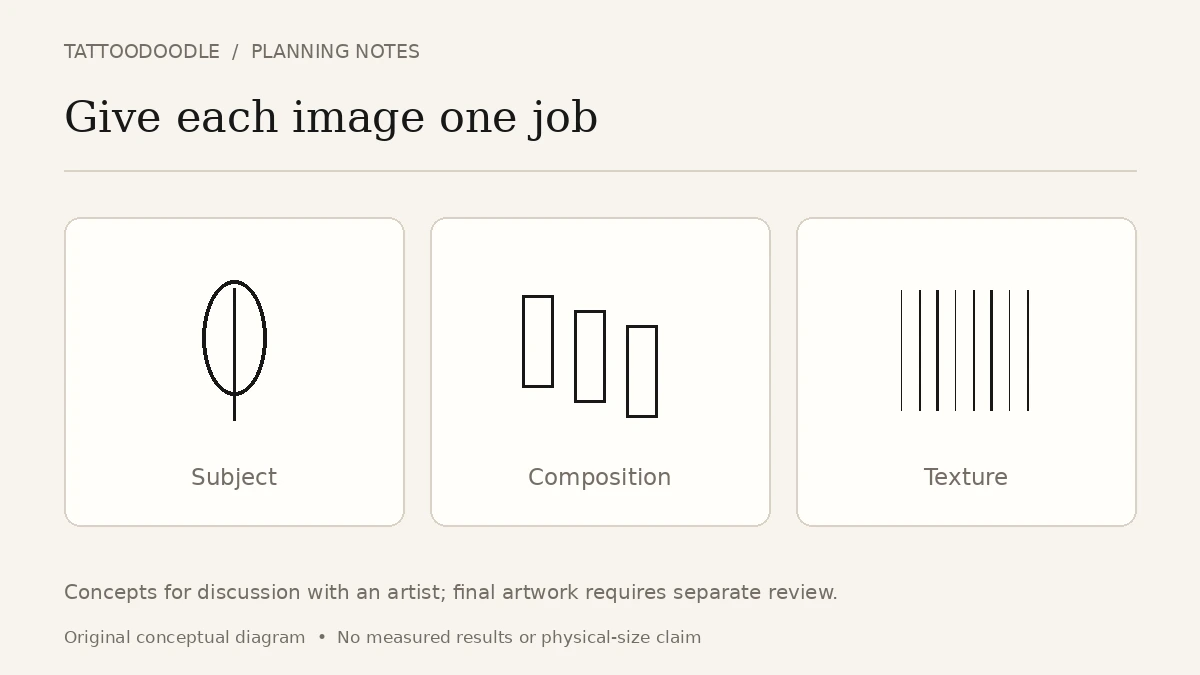
Original planning diagram; not a physical-size proof or completed tattoo.
Choose a primary direction
Write one sentence describing the design you want to discuss. For example: “A single botanical subject with an open silhouette.” This invented brief is narrow enough to guide the selection without dictating the artist's drawing.
Select one image that best explains the main direction. Keep its source with it and record what you like. A reference photograph is not permission to copy the artwork; a precise preference can be communicated without requesting a duplicate.
Separate subject from treatment
Give each additional image one job. One might show the kind of leaf you mean, another the amount of open space, and another a broad contrast preference. Label the relevant feature instead of assuming the artist will infer it from the whole image.
If an example shows a subject you do not want, say so. “Composition only; not this animal” is clearer than sending it without explanation. Avoid accumulating references that merely repeat the same point.
Find the contradictions
Compare the notes, not just the pictures. “Very detailed throughout” and “mostly open” may pull the composition in different directions. Decide which preference is essential and which can change, or turn the conflict into an explicit question for the consultation.
A useful comparison can be as simple as two columns headed keep and discuss. Keep the important subject or meaning on one side. Put density, supporting elements and arrangement on the other when you want the artist's input. Do not treat this as a demand for an instant composite image.
Send a small, traceable set
Use clear filenames or numbers so your notes identify the correct image. Remove unrelated screenshots, advertisements and personal notifications. Send the original available reference rather than a heavily compressed collage when the artist needs to inspect a particular detail.
The design planning guide helps organize the wider project, while the ideas guide can help when the main subject is still unsettled. Explore tattoo ideas with the same rule: identify what each image contributes. Finish with one preferred direction and a short list of questions, not an instruction to copy every reference.
Make your own
Explore a tattoo concept with the AI generator (free usage is limited), preview lettering with the free font tool, or try a placement preview. AI design references are not professional tattoo-ready stencils.